Refund
How to refund an order
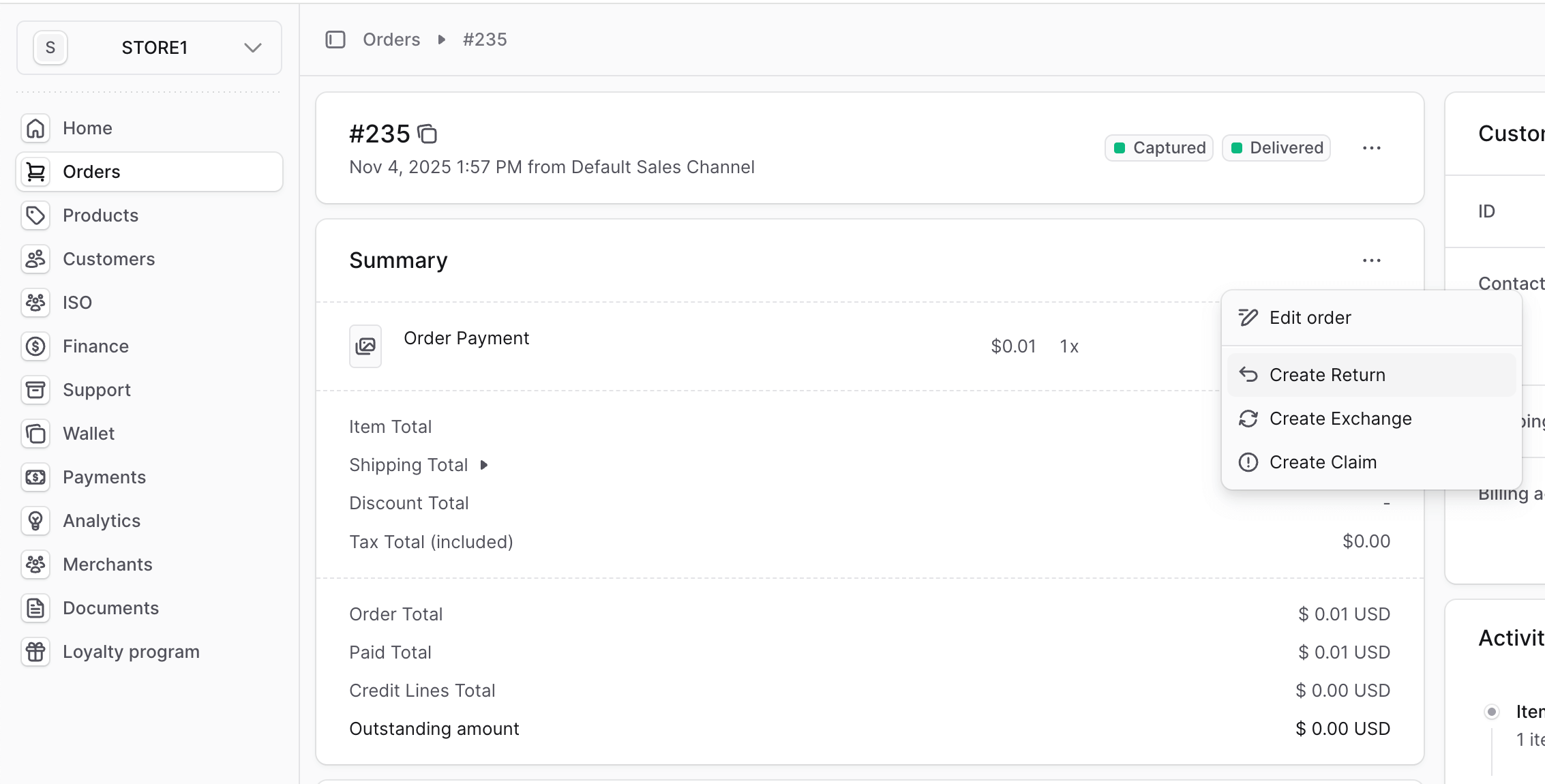
If you need to perform a refund, go to Dashboard, Orders and open an order you would like to refund.
Click on 3 dots menu and select Create Return:
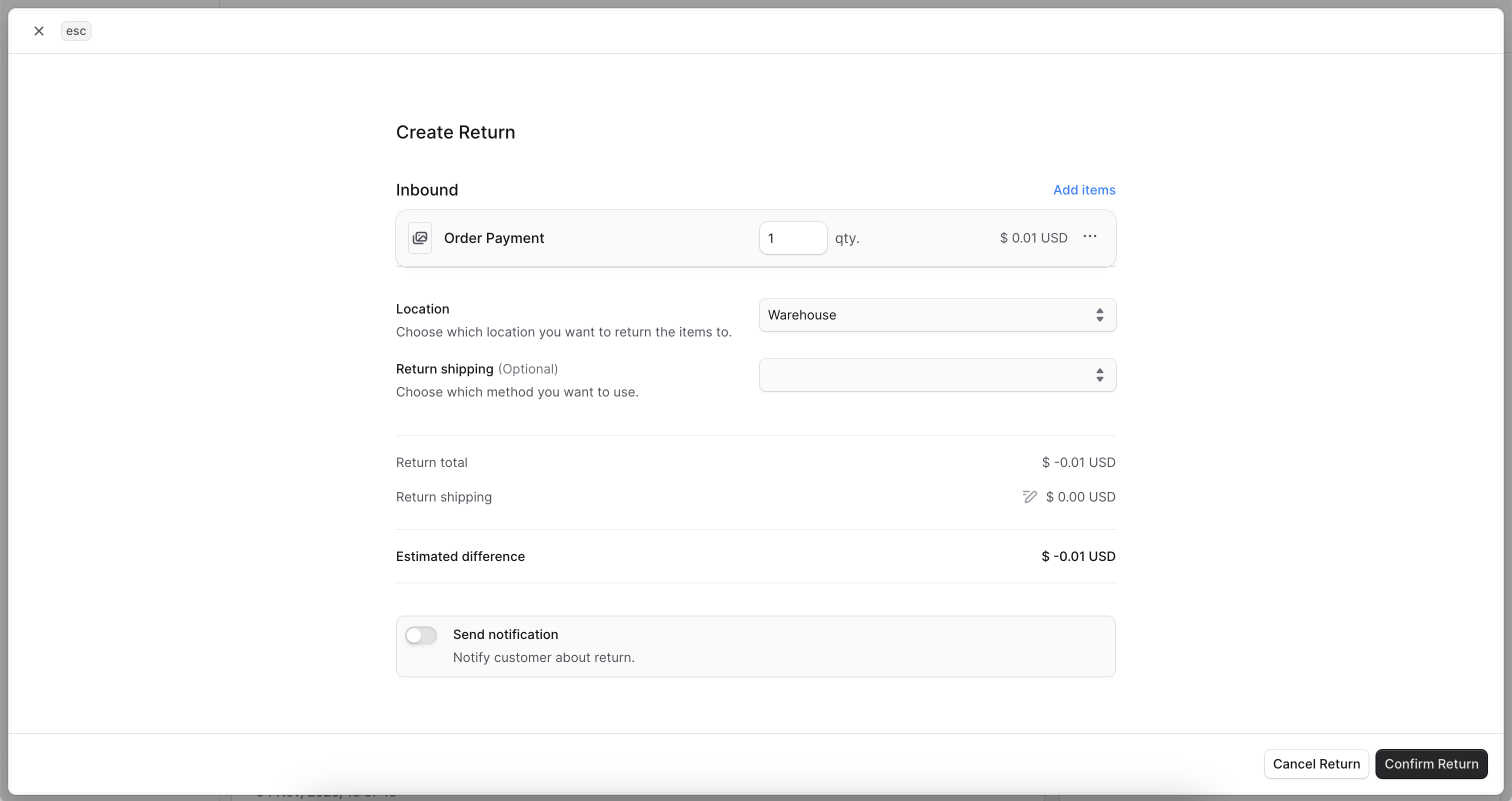
Fill in the Create Return by adding items and selecting default location:
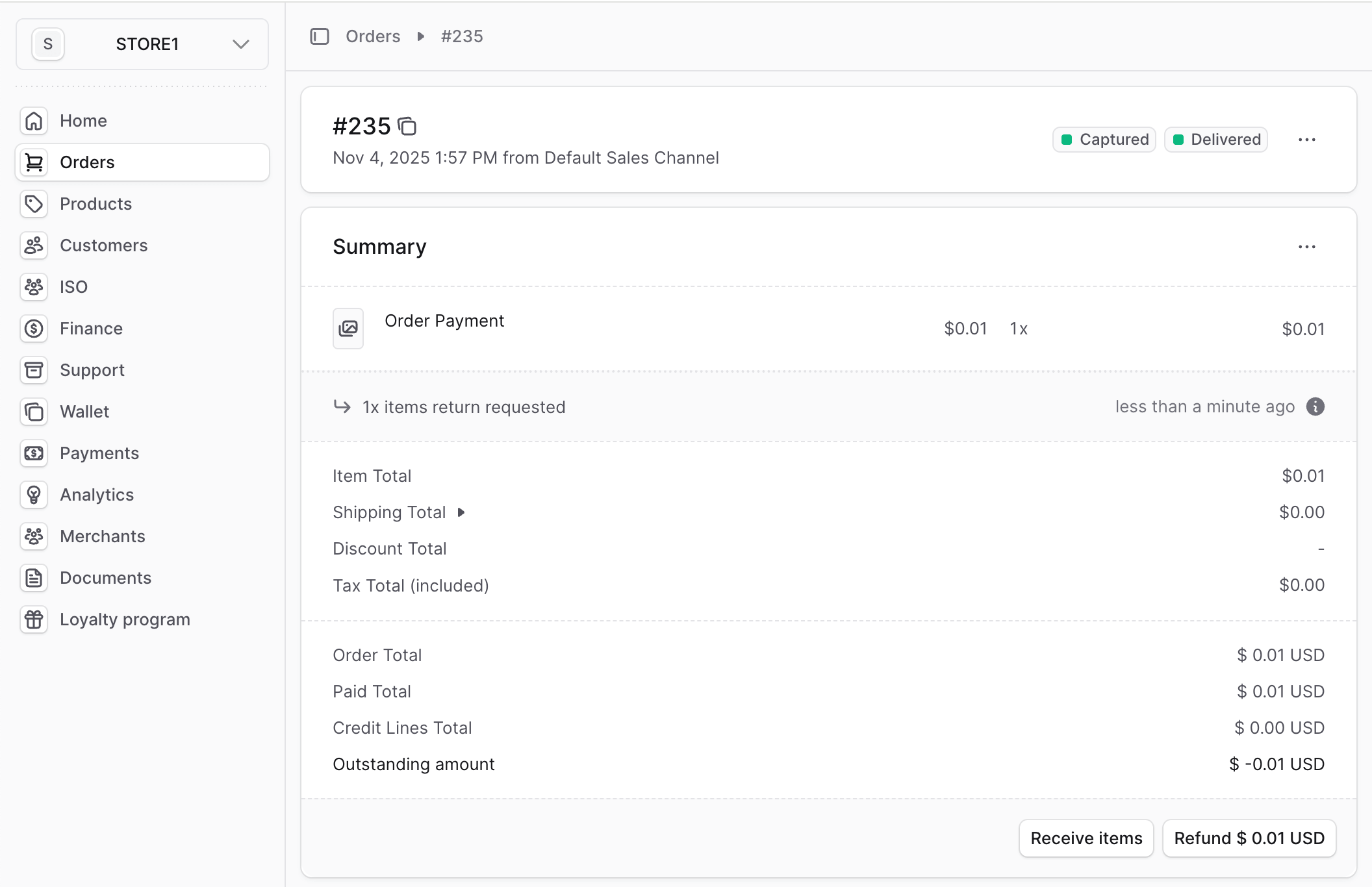
Once Return is created, click on Receive Items:
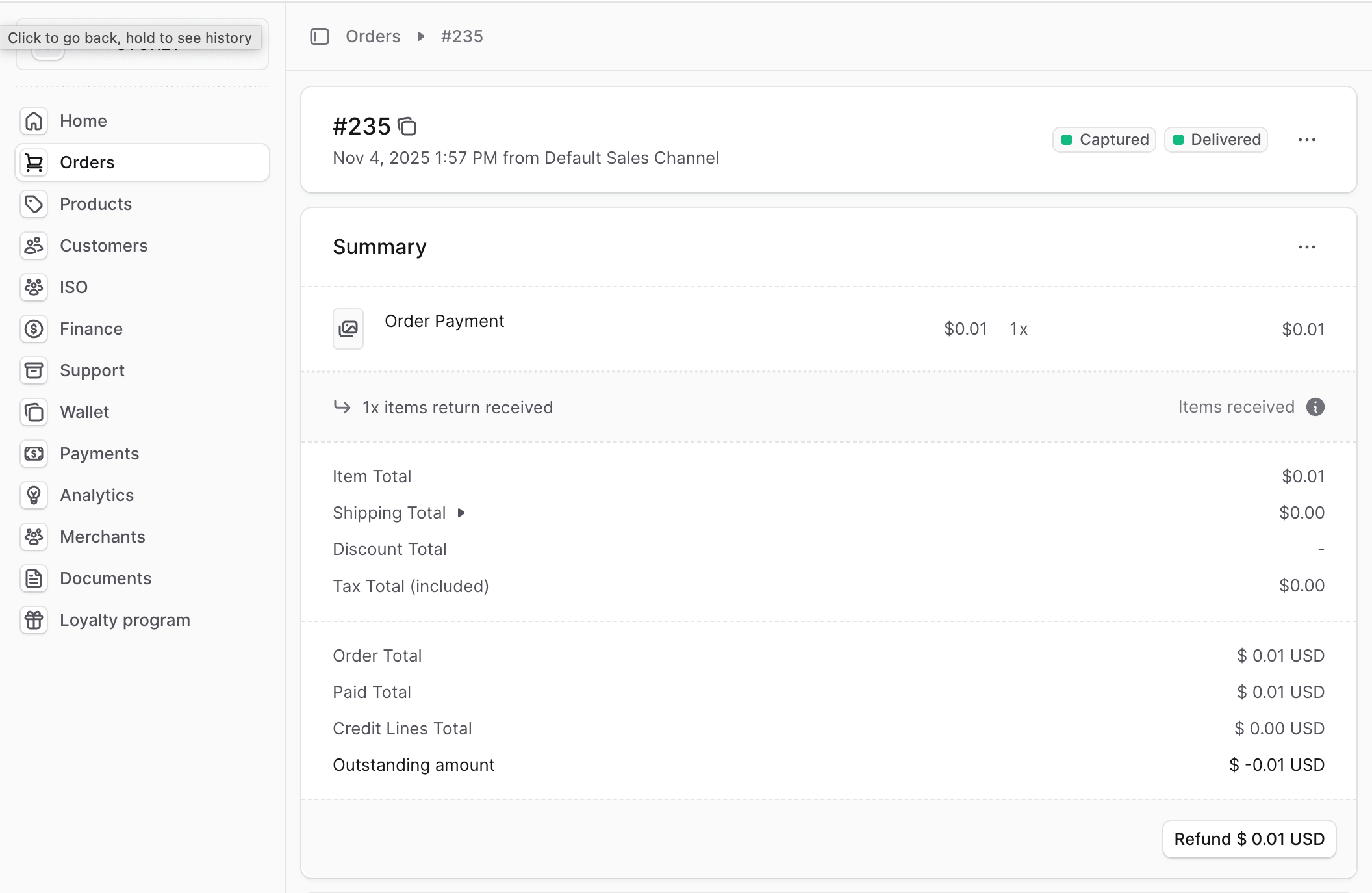
The final step is to click on Refund button:
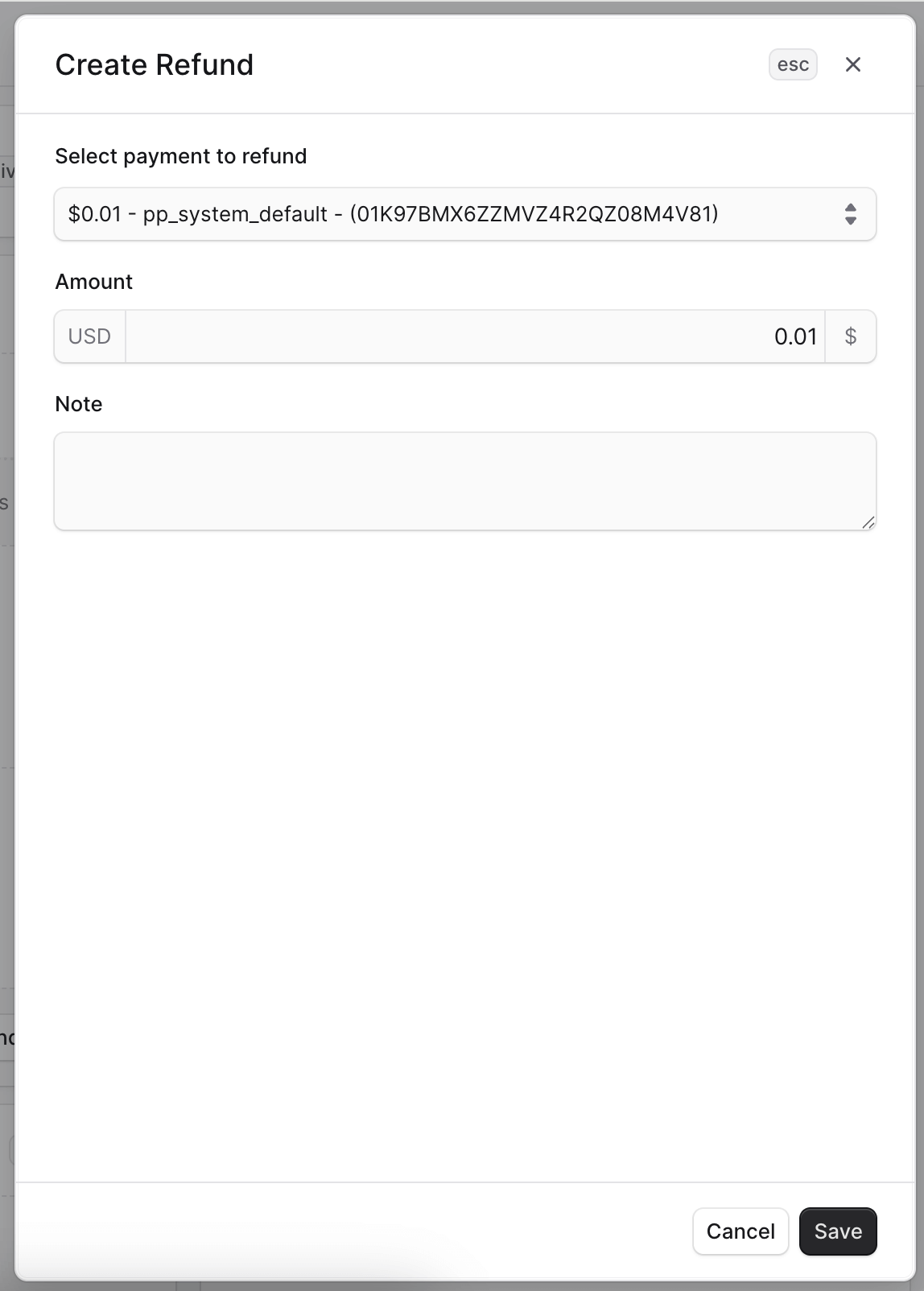
Fill in the Refund details by selecting default payment:
Once it's done, you order's payment status will be marked as Refunded.